Make fast and secure payments, conveniently
Move more quickly through checkout lines
Enjoy state-of-the-art security
Easy mobile wallet set-up for your smartphone
Get detailed records of mobile wallet purchases
Safeguarding your data
Special encryption technology ensures that, when you make a mobile wallet payment, the merchant never has access to your personal and financial information.
Leave your cash, checkbook, and credit card at home
It's easy to turn your phone into a payment tool with a mobile wallet app that links your phone to your GreenState Credit Union debit card or credit card. You can make payments in no time at retailers, repair shops, restaurants, and entertainment venues by tapping your phone against – or waving it over – the merchant's electronic terminal.
- If the mobile wallet app isn't factory-installed on your phone, download it from the App Store or Google Play
- Enter debit and/or credit card information into your app
- You may enter multiple cards, choosing one for each transaction
- Funds are automatically drawn from your checking account or added to your credit card account
- Transaction details automatically show up in Digital Banking and your monthly account statement
Setup Instructions
It only takes a minute or two to get your phone ready for contactless payments.
Use your GreenState cards with your mobile device. Your wallet is secured by your Face ID, fingerprint, or passcode.
- Login to Online Banking:
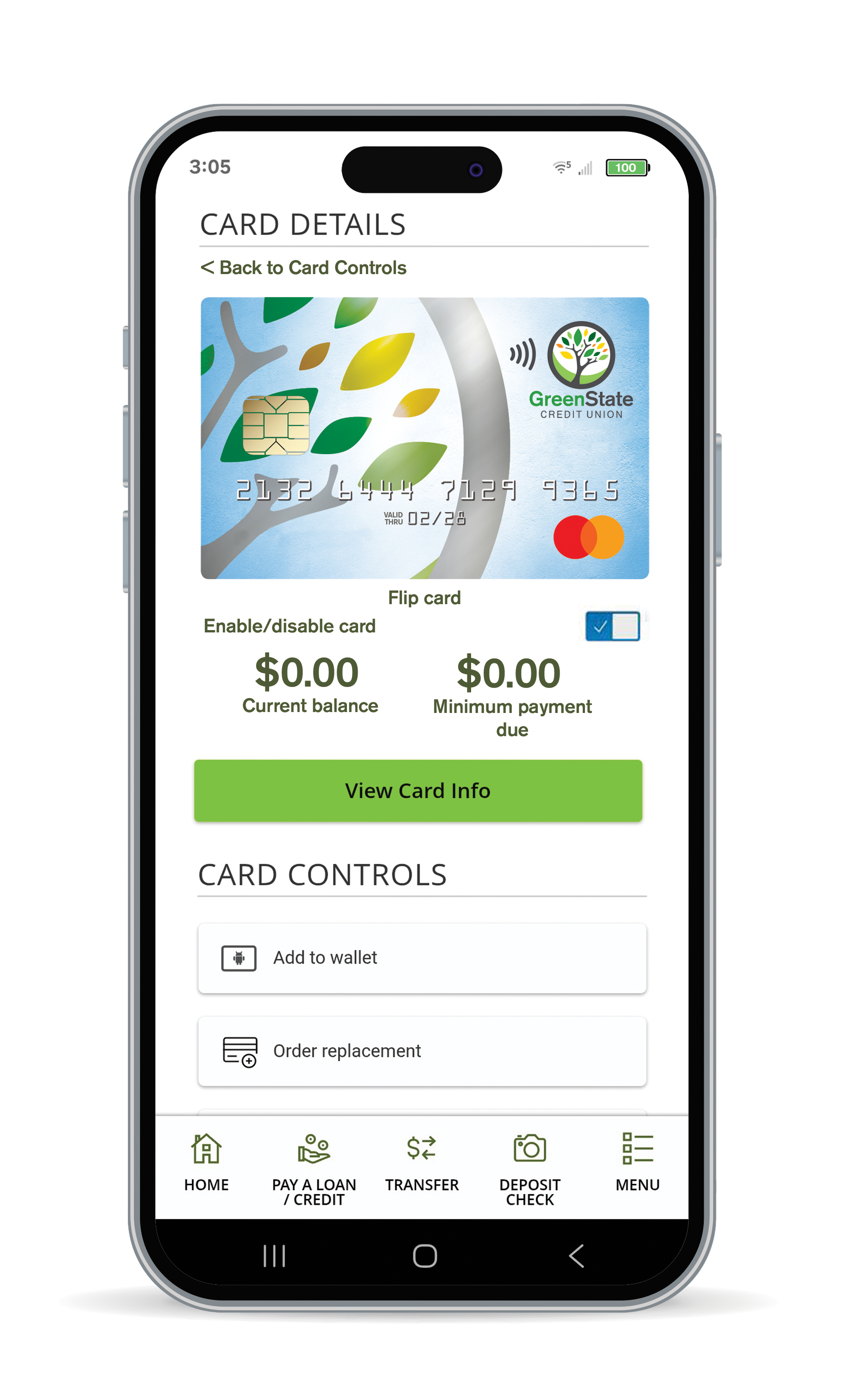
- Go to Menu > Manage Cards > Card Controls
- Select your card and click Add to wallet


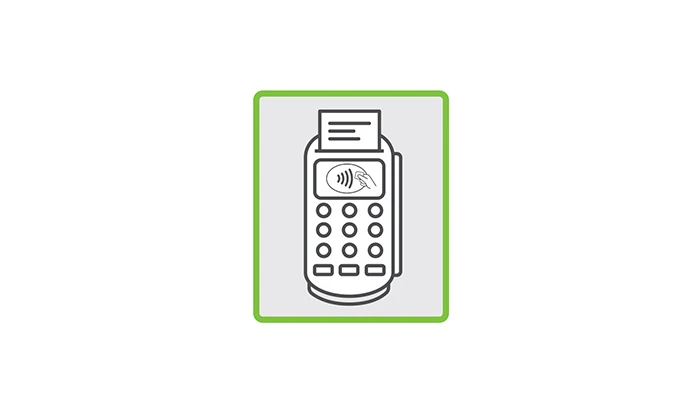
Check for the Contactless Symbol on the store’s checkout terminal.
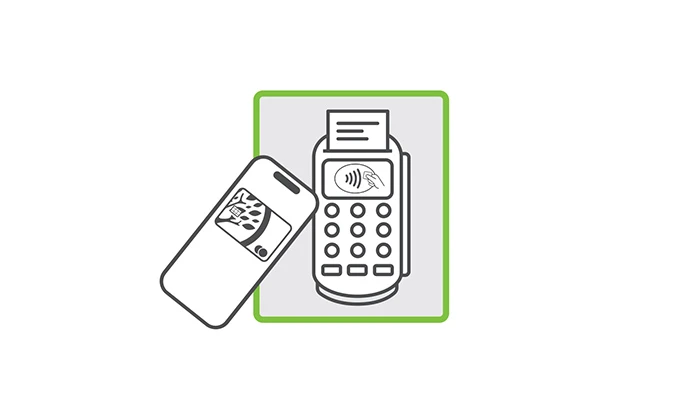
When prompted, bring your card or device within a few inches of the Contactless Symbol.
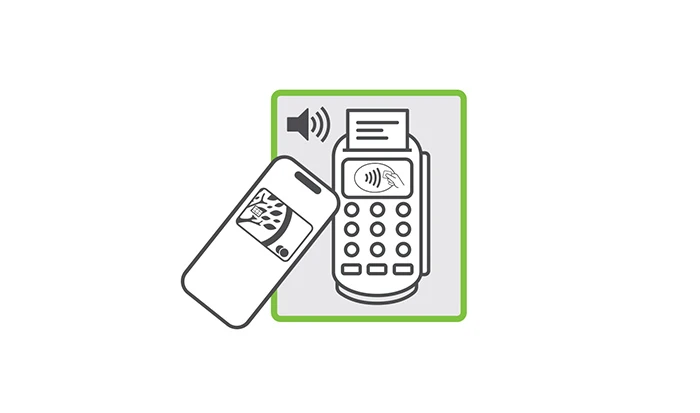
Get the ok - a “beep”, checkmark or greenlight - and go!
Flexible all-in-one checking that earns dividend rewards and cash back.